

Apple loves to call the iPad a computer, and honestly, the claim isn’t far from reality. Over the years, the iPad has evolved from a simple tablet into something that can replace a laptop, notepad, or drawing tablet.
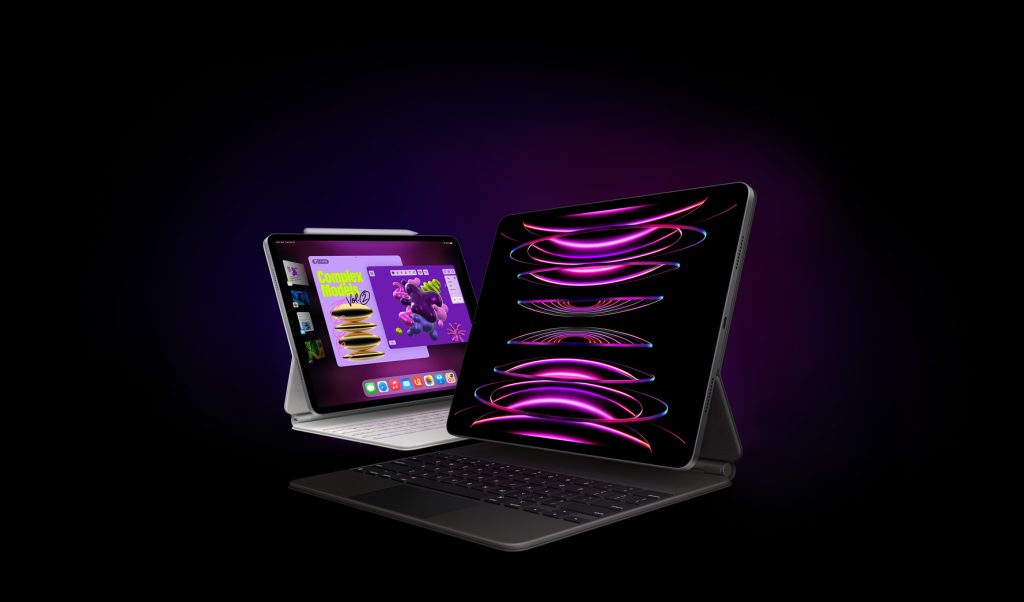
However, the iPad doesn’t reach its full potential on its own. It needs its supporting cast. We mean accessories. Whether you’re sketching or just trying to make Netflix nights better, the right gear can completely change how your iPad feels to use.
So, here are the must-have accessories to consider for your iPad.
1. Apple Pencil
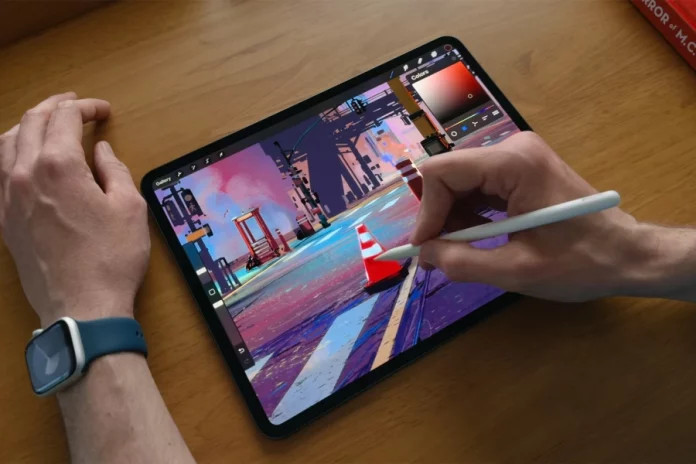
If there’s one accessory that defines (and refines) the iPad experience, it is the Apple Pencil. It is the sole reason that the iPad can replace a full drawing tablet.
All the Apple Pencils, from first-gen to Pro, are designed to offer low-latency input for drawing, writing, and annotating on iPads. The 2nd-gen Apple Pencil also supports magnetic charging and quick tool switching for easier use.
If you have a 10th-gen iPad or an older model that doesn’t support the 2nd-gen Pencil, Apple recently released a USB-C Apple Pencil, which is cheaper and still great for basic writing and drawing. It lacks pressure sensitivity, but it’s a solid entry point for casual users.
For those who want the best stylus experience can choose Apple Pencil Pro. It is compatible with iPad models powered by the M2 chip and above, and with iPad mini (A17 Pro). The Pencil Pro has some exclusive features up its sleeves, including Haptic Feedback, Find My, Squeeze gesture, and more.
2. Magic Keyboard (or a Great Alternative)
Typing on glass is fine for short messages, but if you want to actually work on your iPad, a proper keyboard is a must.
Apple’s Magic Keyboard is the gold standard. It transforms your iPad into a sleek mini-laptop, complete with a backlit keyboard, smooth trackpad, and a floating magnetic hinge that looks futuristic every time you open it. The typing experience is also fantastic, as you’d expect from Apple.
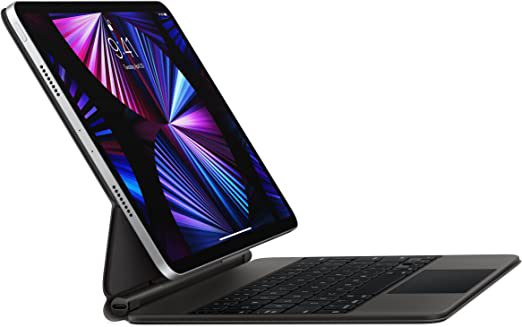
However, it’s not an affordable accessory, and unlike the Apple Pencil, it’s not something you must buy from Apple. There are some great alternatives like the Logitech Combo Touch that offer a similar experience with a detachable keyboard, built-in kickstand, and trackpad at a lower price.
3. Screen Protector
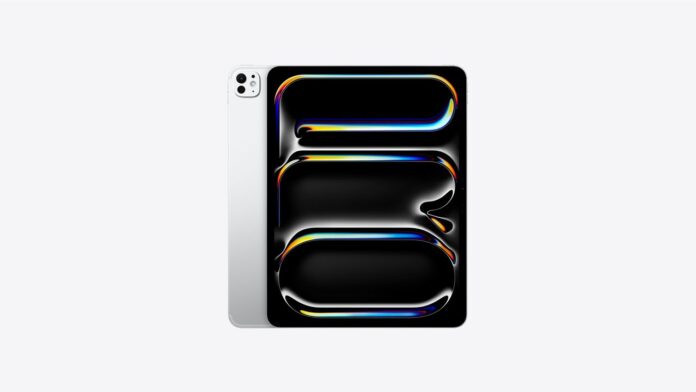
Phone or tablet, a screen protector is always a must. As JerryRigEverything says, “glass is glass and glass breaks.” It’s prone to scratches, no matter how tough the glass claims to be.
You’ve got two main types to choose from: tempered glass and matte paper-like protectors. Glass protectors keep that crisp, glossy look and don’t reduce contrast. Meanwhile, matte “paper” protectors like Paperlike or MOSISO give the screen a textured feel, perfect for note-takers and artists using the Apple Pencil.
There is a trade-off: matte protectors slightly reduce clarity and brightness. But for many users, the improved writing feel makes it worth it.
4. A Sturdy Case or Sleeve
No matter how careful you are, your iPad will take a few hits. A good case means you can be confident it’ll survive a slip or drop.
If you want slim protection that doesn’t hide Apple’s design, the Apple Smart Folio is a classic. It’s thin, magnetic, and doubles as a simple stand. But if you need something tougher, OtterBox and UAG make rugged cases that can handle drops and bumps.
And for people who carry their iPad to class, cafés, or meetings, a sleeve is a great option. Brands like Inateck, Tomtoc, and Bellroy make soft, minimal sleeves that look professional and protect against scratches.
5. External Storage
If you’re someone who frequently edits videos on an iPad, manages large design files, or simply runs out of space, an external SSD can save you. Sure, iCloud is great, but it’s not always fast, cheap, or available when you are offline.
The iPad’s USB-C port (on most modern models) makes connecting drives incredibly simple. The Samsung T7 Shield and SanDisk Extreme Portable SSD are fast, compact, and rugged.
They work seamlessly with apps like Files and LumaFusion, letting you transfer or edit directly from the drive. If you’re on an older Lightning-based iPad, you can still use flash drives with an adapter. It’s not as elegant, but it works.
6. A Stand or Dock
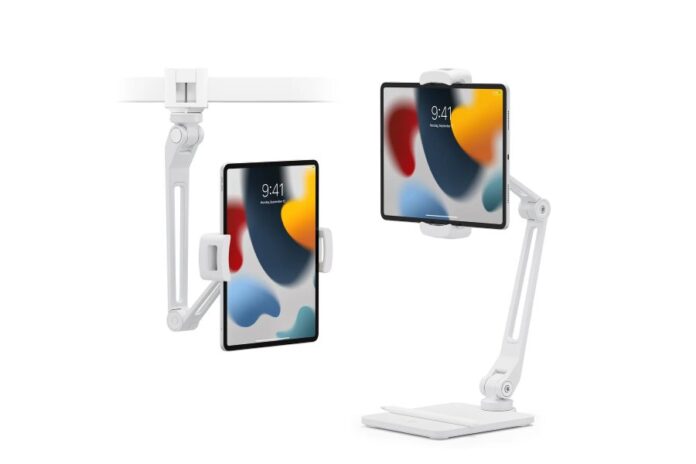
If you like to use your iPad as a second screen, for video calls, or for watching YouTube while cooking, a stand is a thoughtful addition to your setup.
There are plenty of options. The Twelve South HoverBar Duo clamps to your desk or table and holds the iPad at almost any angle. For a simpler option, the Lamicall adjustable stand is sturdy, sleek, and affordable.
Some docks, like the Satechi Aluminum Hub, also combine a stand with USB ports, HDMI, and SD card slots.
Don’t miss a thing! Join our Telegram community for instant updates and grab our free daily newsletter for the best tech stories!
For more daily updates, please visit our News Section.


