

Nothing has started rolling out the stable Nothing OS 4.0 update based on Android 16 for the Nothing Phone 3a and Phone 3a Pro. The company shared the update details on its community page. Both phones are receiving the build with version number Nothing OS B4.0-251118-1551. The rollout is happening in phases and should reach all users within the next one to two weeks.
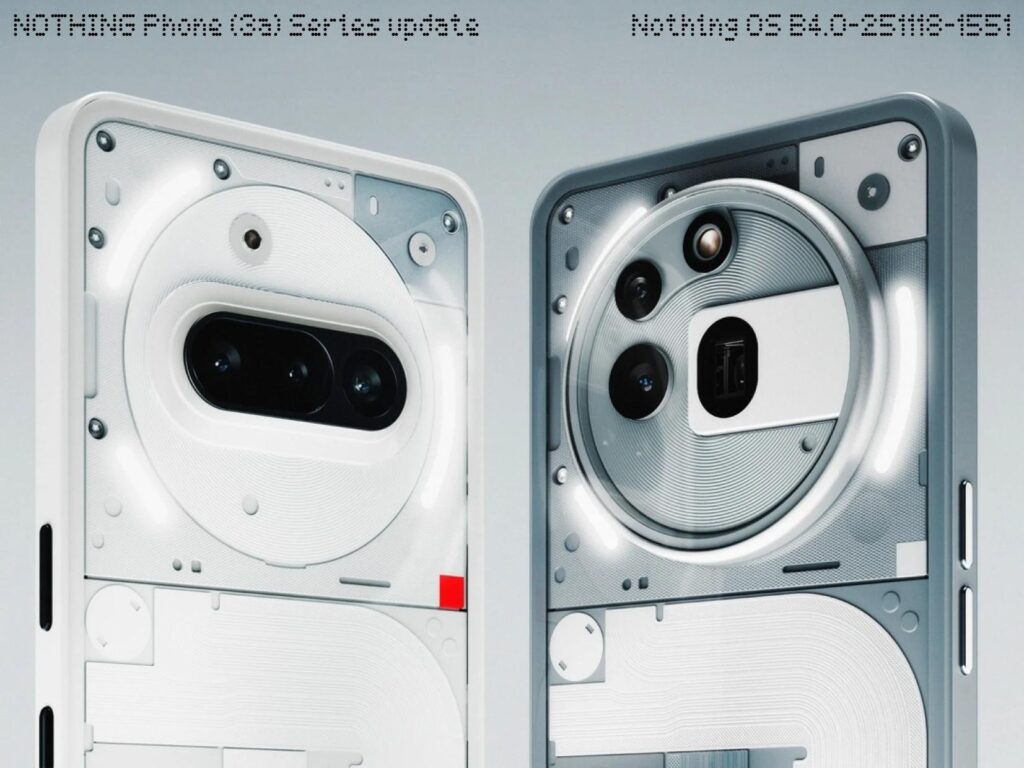
The Phone 3a Lite is not included in this release. Nothing had already announced during the original Nothing OS 4.0 reveal that Phone 3a Lite users will get the stable update early next year.
Everything new in Nothing OS 4.0
Nothing advises users to back up their data before downloading the update.
The update adds an AI usage dashboard inside Essential Space. It keeps track of AI large model activity to give clearer privacy information. You can find it under Settings > Intelligence toolkit > AI usage.
You can now hide apps directly from the home screen and the app drawer. Hidden apps can be viewed under Home screen > App drawer > Hidden icons. The app drawer also gets a new option that lets you control the search scope.
Weather, Pedometer and Screen Time widgets now have more size choices. Most Quick Settings tiles now support a 2 x 2 size. Pop up view now works with two floating icons, allowing quicker switching between windows. System upgrade tools also add app optimisation to improve startup speeds. This is available under Settings > Apps > App optimisation.
Essential features and community tools
Flip to Record now allows you to take photos and add notes while recording. All files are saved together in Essential Space. Playground (Alpha) is also live. It gives users access to community made Essential Apps, camera presets and EQ profiles. Essential Apps (Alpha) are also open for download and include AI powered tools created by the community.
Visual updates
Nothing has refreshed all Nothing app icons and updated status bar icons. There are two new lock screen clock faces. Extra dark mode is now available under Settings > Display > Dark theme > Extra dark mode. The update also improves transition animations across the system.
Glyph and camera changes
Flip to Glyph now lets you select whether the phone switches to Silent or Vibrate mode. Glyph Progress now uses Android 16 Live Update notifications for better support with third party apps.
The camera gets updated presets, new Stretch filter styles with intensity control, longer Motion Photos with audio recording, new Nothing watermarks, new artistic frames and a cleaner camera interface.
For more daily updates, please visit our News Section.
Stay ahead in tech! Join our Telegram community and sign up for our daily newsletter of top stories.
(Source)


