

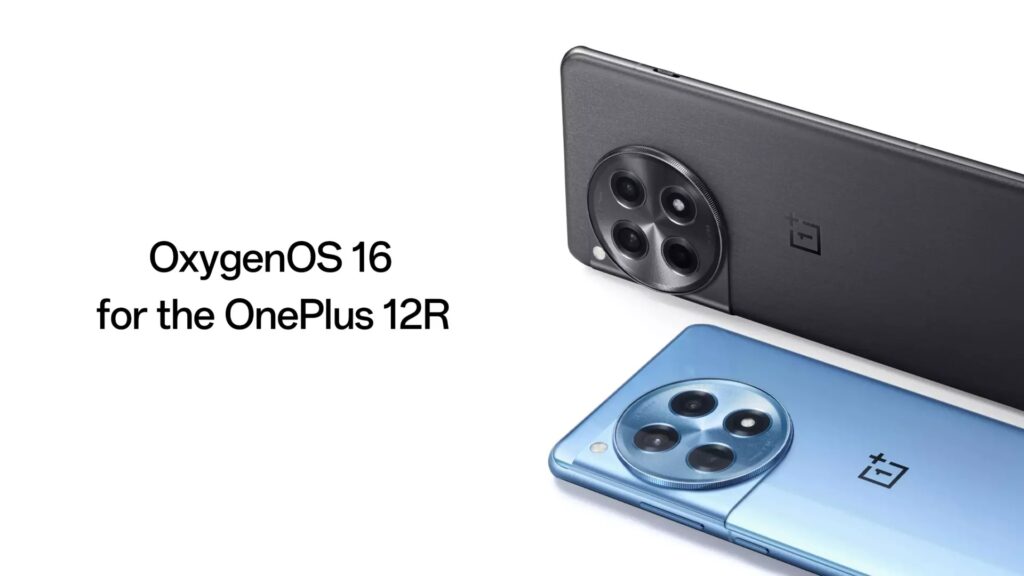
After announcing the Android 16-based OxygenOS 16, OnePlus has begun rolling out this new operating system globally. The OnePlus 12R is the latest device to receive this update. The update is currently rolling out in India, under the build number CPH2585_16.0.1.300(EX01), and will expand to more regions in batches.
OxygenOS 16 brings a long list of visual, performance, and AI upgrades. System animations are the biggest change. Apps now open and close with smoother transitions. Home screen icons, widgets, and folders use new drag and drop animations. The status bar transitions more cleanly when you pull down notifications or Quick Settings. Text selection uses a new magnifier animation. Audio controls in Quick Settings also load more smoothly. Swipe back gestures now preview the previous page while you drag. Button navigation gets concurrent animations for app start and exit.
The update adds faster scrolling and refined exit animations for top row apps on the Home screen. Fingerprint and charging animations use new light wave effects. Light field motion effects and the Luminous Rendering Engine add more visual depth across the interface.
The Trinity Engine adjusts resources in real time to keep performance stable during gaming, video playback, and long camera use. Apps launch faster. Photo albums load quicker and use less power. Cached video previews load faster in supported apps. Power saving mode now adjusts performance based on battery level.
AI features expand across Photos, Notes, Recorder, Translate, Writer, and VoiceScribe. Mind Space now allows instant saving through Plus to Mind Space, supports landscape mode, suggests collections, and adds a Mind Assistant for search. Photos gets a new layout, easier album navigation, swipe up info, better cropping tools, automatic straightening, motion photo collages, and video editing features. Notes gains block editing, formatting tools, link sharing, and better image viewing. Recorder now has a new interface, noise reduction, smart templates, and link sharing.
Design changes include new flux themes, motion wallpapers, a serif system font, refined widgets, adjustable icon sizes, improved folder layouts, and a full screen Always On Display.
Other features include Touch to Share, improved PC mirroring, Apple Watch support through OHealth Connect, network tools, updated Smart Sidebar, improved notifications, better Game Assistant recording options, an AI Doc Scanner, faster iOS migration, and the November 2025 security patch.
For more daily updates, please visit our News Section.
Tech enthusiast? Get the latest news first! Follow our Telegram channel and subscribe to our free newsletter for your daily tech fix!
(Source)


