

Razer has officially launched PC Remote Play, a platform that lets you stream PC games to your phone, tablet, or Windows handheld. First shown in beta at CES 2025, the tool is now available with new features and a cleaner interface through the Razer Cortex app on PC.
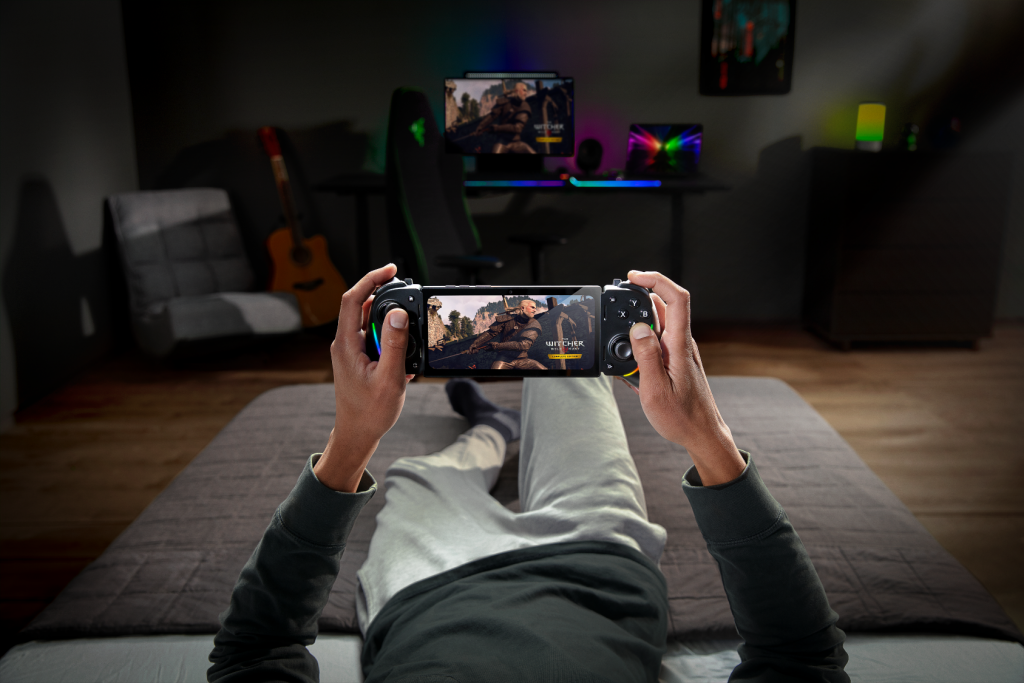
With PC Remote Play, you can stream games from platforms like Steam, Epic Games, and PC Game Pass. It works on devices running iOS 18, Android 14 or newer, and Windows 11.
The app supports full-screen visuals with no black bars and automatically adjusts to your device’s resolution and refresh rate. It also uses the AV1 video codec to improve image quality and reduce lag.
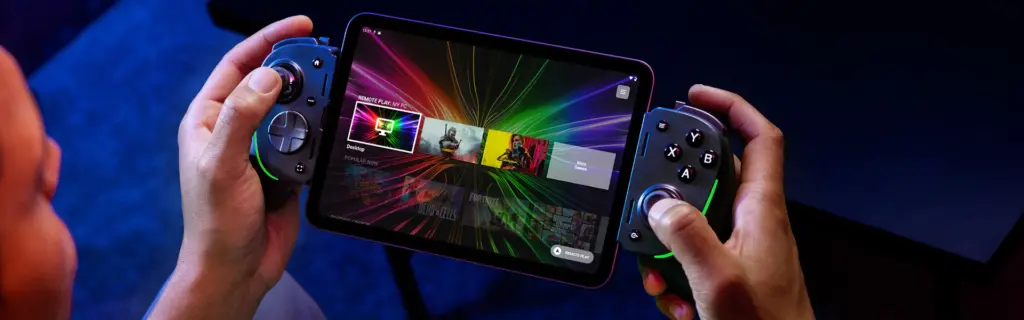
You can use Razer Kishi and any other controller that works with iOS or Android. On iPads, you can also use a keyboard, mouse, or trackpad for different play styles.
The Razer Nexus app lets you browse your PC games, launch them, customize controls, update your controller, and record or share gameplay — all from your phone or tablet.
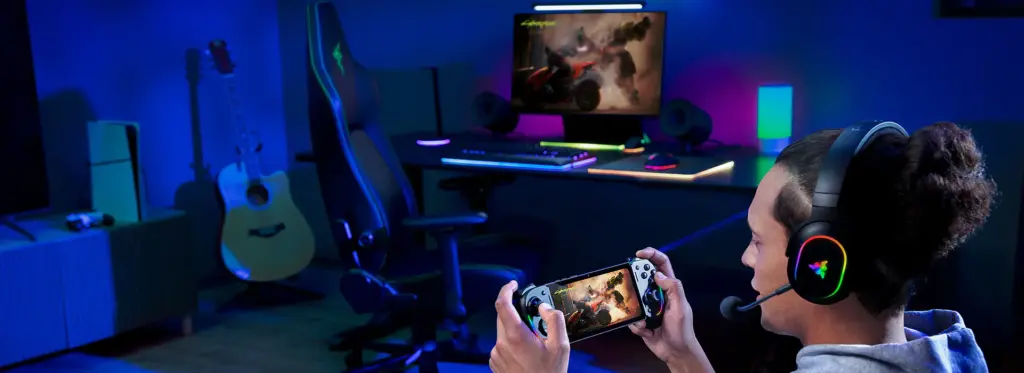
If you’re using a Razer Kishi Ultra on Android, you also get Sensa HD Haptics for in-game vibrations that match what’s happening on screen — like gunfire or engine rumbles.
Here’s how to get started:
- Download Razer Nexus and Razer PC Remote Play on your mobile device.
- On your PC, enable Remote Play in Razer Cortex.
- Sign in with your Razer ID — your PC and mobile device will connect automatically.
- Connect a compatible controller to play.
Razer PC Remote Play is now available on the App Store and Google Play. Visit Razer.com for more info.
For more daily updates, please visit our News Section.
Don’t miss a thing! Join our Telegram community for instant updates and grab our free daily newsletter for the best tech stories!
(Source)
The post Stream PC Games to Your Phone with Razer PC Remote Play appeared first on Gizmochina.


