

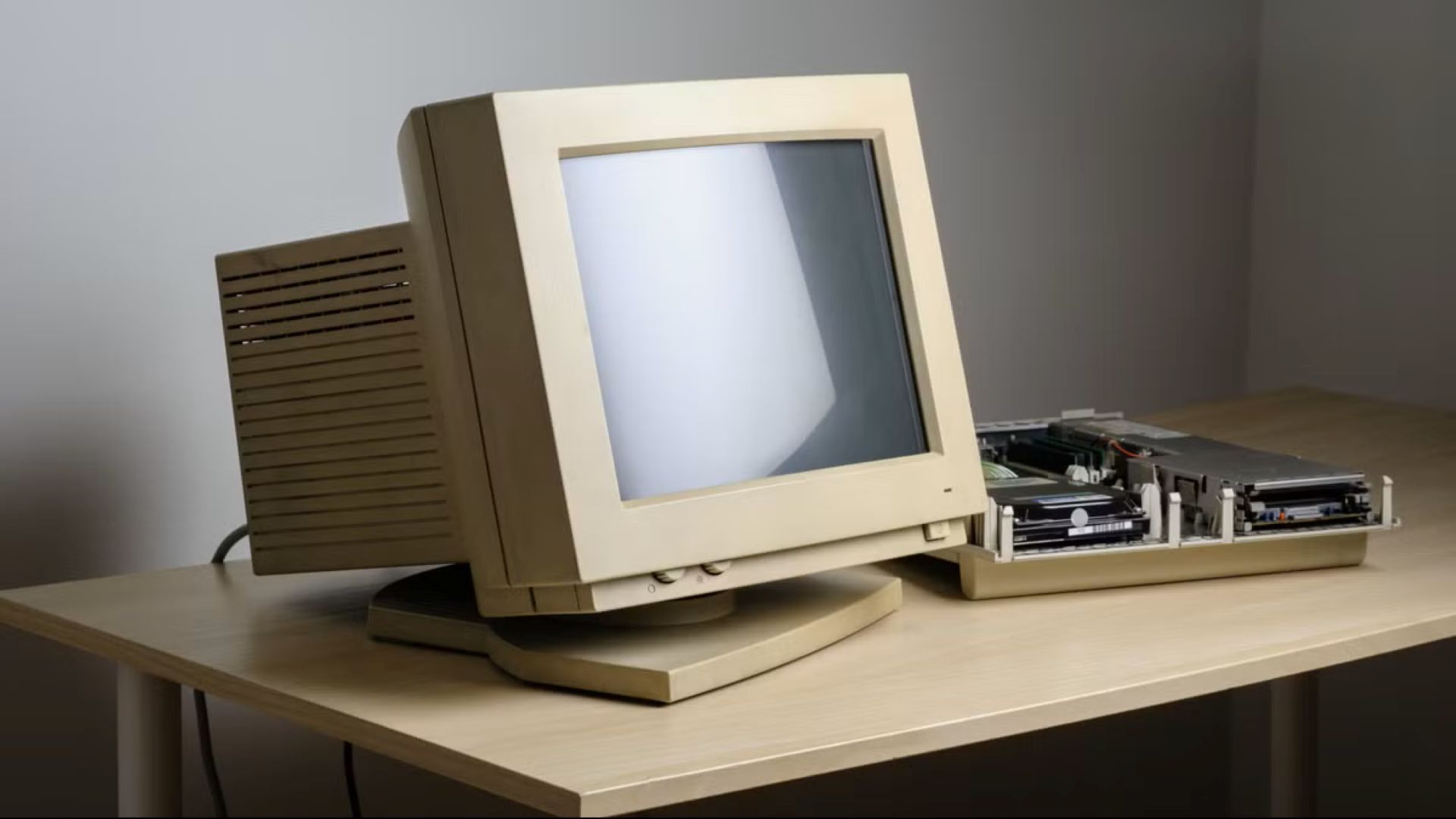
If you were a developer, scientist, engineer, computer engineer, or even a college student in the 1980s and early 1990s, you would have spent a lot of time in front of a Unix machine. Here are some reasons that it might have been like living in the future, given how workstations pioneered many computing features we take for granted.
Large and multiple displays
If you ever see pictures or videos from the late ’80s and the ’90s of Unix workstations, you’ll often notice that the monitors are a lot bigger than most personal computers of the era. The display sizes were typically 17 inches or larger diagonally, whereas a large PC monitor might be 14 inches. This was largely because one major application was for graphics, as well as CAD/CAM. These were areas where users needed a lot of screen real estate. The large, high-resolution screens were ideal for architects, engineers, and computer animators. Programmers also appreciated the ability to use multiple windows, such as one window for the editor, another for the C compiler, and so on.
For some heavy users, one large screen wasn’t enough. Workstations also supported dual-monitor setups before they became common. You can see an example of both large and multiple screens in a video lecture from the early ’90s with one of the key developers of X11, James Gettys:
Powerful CPUs
Another feature that workstations pioneered was more powerful CPUs. The first wave of workstations that emerged in the early 1980s were driven by the Motorola 68000, which was considered a very powerful chip. As the 68000 appeared in personal computers like the original Macintosh, Commodore Amiga, and Atari ST later in the decade, manufacturers developed their own architectures, such as Sun Microsystems’ SPARC and the MIPS architecture favored by Silicon Graphics, who eventually bought the company that made them..
These chips paved the way for modern RISC architectures like RISC-V and the ARM chip that powers most smartphones and the Raspberry Pi. A lot of modern technology sprang from systems that only scientists and engineers used back then.
Multiuser, Multitasking OS
Unix was a multiuser, multitasking OS from the outset, being developed on minicomputers before making the jump to workstations in the 1980s. It was the latter that was most appreciated initially. A programmer would typically want to run an editor, a compiler, or an interpreter, as well as a few terminal windows. This functionality was the basis for early graphical user interfaces like X.
The multiuser aspect also came into play. While workstations were cheaper than minicomputers, they were often still too expensive to dedicate to single users outside of high-powered design or scientific work. A programmer might not use the full power of the machine most of the time. So many workstations were shared in practice by plugging in terminals. The disadvantage of this approach was that these terminals were typically text-only, although graphical terminals were developed later that could run X. These “X terminals” evolved into what are now called thin clients. They still find uses in niches where people need to share information on a central server but don’t need a lot of computing power.
3D-accelerated graphics
3D graphics are routine these days, and even the cheapest PCs with integrated graphics can handle rudimentary operations. 3D graphics were still new in the 1980s, and they were one of the major applications. CAD/CAM was an obvious application, and 3D animation was creeping into film and TV. Animators were adopting workstations as they were cheaper than the mainframes and minicomputers they had been using.
This SGI demo video from 1985 must have been eye-popping, showing how users could get important work done like spinning a Rubik’s Cube:
Networking
1980s workstations were pioneers in local area networking. These workstations could be connected via the then-new Ethernet standard. They also supported the TCP/IP protocols that the internet is based on. Since they were so widely used in academia, college students were among the earliest adopters of what became the modern internet. They were able to send and receive email, chat, and browse the web before most people in the real world could.
Virtualization and compatibility layers
In the ’80s, people thought that Unix could unseat IBM as the dominant force in computing due to its ability to run on multiple kinds of computers. But even then, there was a lot of software that people used that didn’t run on Unix. An engineer or animator would still need to write reports or create spreadsheets, or exchange these documents with someone else, and it seems productivity programs were hard to find, or at least the kinds most office workers used. One solution was to plop a PC for running word processors and spreadsheets next to the workstation, but this was obviously expensive when there was already a perfectly good, and already very costly, computer sitting on the desk.
Various hardware and software solutions, such as Sun Microsystems’ Wabi and SunPCI, as well as SoftPC, were developed to run DOS/Windows software alongside Unix. Even Apple got in on the act with the Macintosh Application Environment that ran on Sun and HP workstations. These were similar to modern virtualization solutions like VirtualBox, itself developed by Sun before the company was acquired by Oracle.
YouTuber NCommander described a Sun workstation equipped with SunPCI as “the blandest PC experience you could buy for $7,000 in 1998.”
These solutions could also be seen as precursors to compatibility layers like WINE or Proton that let users run Windows apps and games in Linux.
Fragmentation
Anyone who wants to adopt Linux faces the first question: “Which one?” There are lots of distros out there. Potential workstation customers faced a similar problem. Would they buy Sun? HP? SGI? Many vendors also added numerous features to try to distinguish themselves, but they didn’t seem to ensure that they actually worked before releasing them, similar to modern complaints about Microsoft.
A lot of people just stuck with the DOS and IBM systems they knew. Windows NT and its successors became the corporate desktop of choice because it built on a lot of Unix’s features while running standard business applications like Word and Excel.
A lot of modern computing features showed up in the past. Unix workstations pioneered a lot of features we take for granted. It’s good to look back on the past.


