

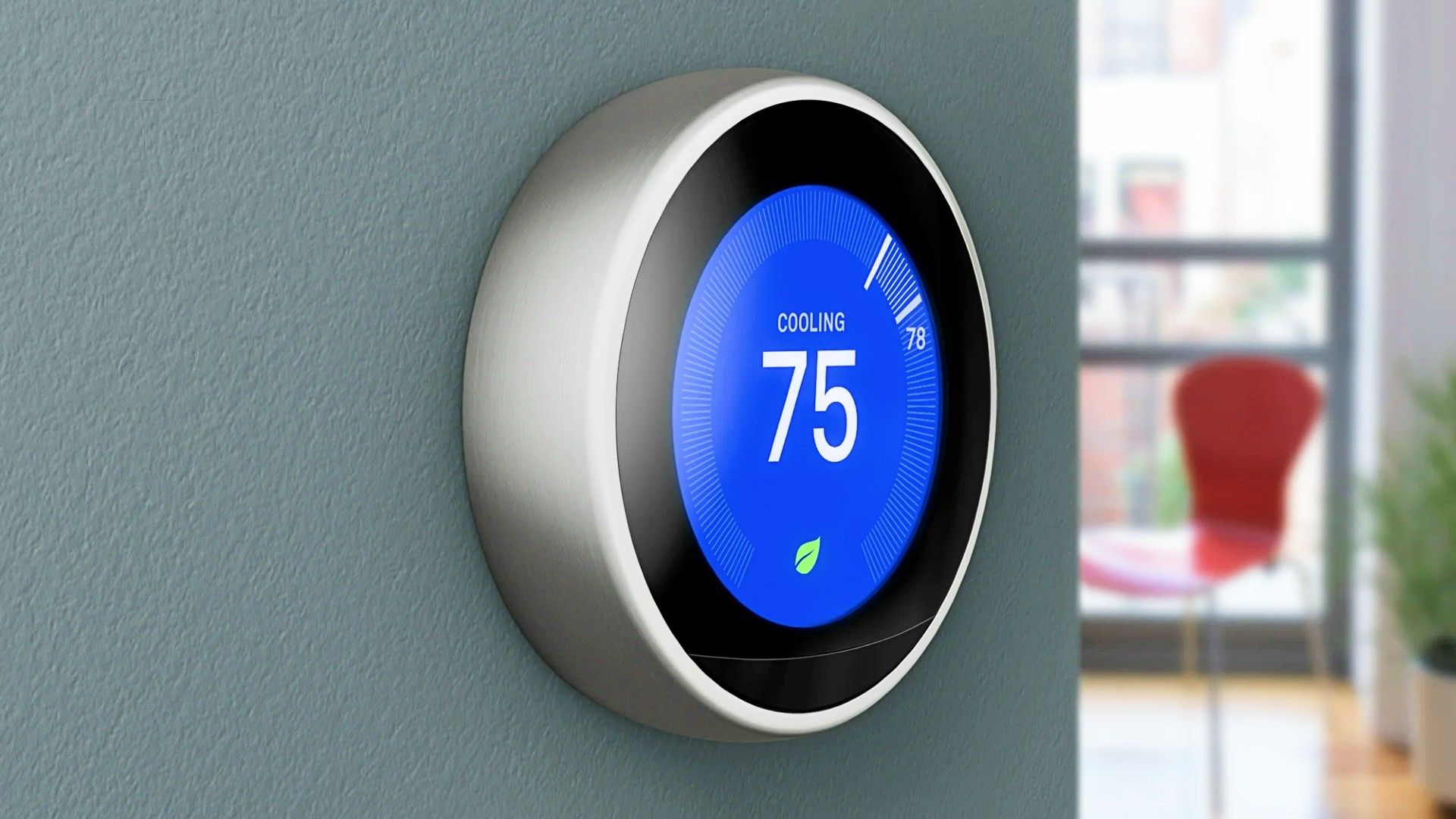
Your Nest Learning Thermostat (4th Gen) is getting a major visual upgrade with the rollout of four brand new Farsight faces. This is great news because the default face can get dull quickly. These new options will join the four existing Farsight faces, meaning you have eight total.
If you didn’t know, Farsight is a feature that lets your thermostat automatically wake up and switch to a large, easy-to-read screen when there’s activity about 10 feet away. This lets you see information like the indoor and outdoor temperature, humidity, air quality, current time, and date from across the room. Now you just have a lot more to choose from for that glanceable info.
The highlight of this update has to be the Seasonal Art Face, which is a special collaboration with the talented artist Mathilde Loubes. Mathilde is known for her beautiful artwork, and her work is now turning your thermostat’s display into a genuine piece of art. Her new seasonal face has 12 unique, animated illustrations of flowers and fruits that change at the start of each month.
The Nest classic face is making a return, which is a great throwback to the original thermostat design. This is a modernized version that uses the familiar orange and blue backgrounds to give you an immediate view of the temperature and the current operating conditions. If you’ve been a Nest user for a while like me, this will definitely feel like home.
Next, you get the Minimal face, which is exactly what it sounds like. This face uses simple, minimalist line drawings to reflect your thermostat’s current mode, like a snowflake for Cooling or a green leaf for Eco.
Finally, there’s the Temp controller face, which is designed for “quick, at-a-glance adjustments”. This face displays your current temperature settings, and the information remains the same whether you’re standing far away or up close. If you’re constantly tweaking the temperature, this one is probably what you need. However, I’d recommend just setting the minimum and maximum temperature if you’re using it that much.
These four new options join the existing Farsight faces, which already include the Indoor temps, Digital clock, Analog clock, and Weather displays, giving you a total of eight ways to customize your Nest device. Getting these new faces is really easy, and you can set them directly on the thermostat or through the Google Home app.
If you’re using the thermostat itself, you just press the ring to open the Quick View, go to Settings, then Farsight, and scroll through the options. If you prefer the app, head to the Google Home app, tap on your thermostat, go to Settings, then Farsight, and select your preferred face.
I’d recommend picking something you like because these are normally in the middle of a room or hallway. It turns on when you’re close, so you’ll want it to be something pleasant to your eye. My favorite is the Seasonal Art Face, because that would be great regardless of the look of your room.
Source: Google Blog


